How to Appear in Google AI Overviews: A Practical Guide
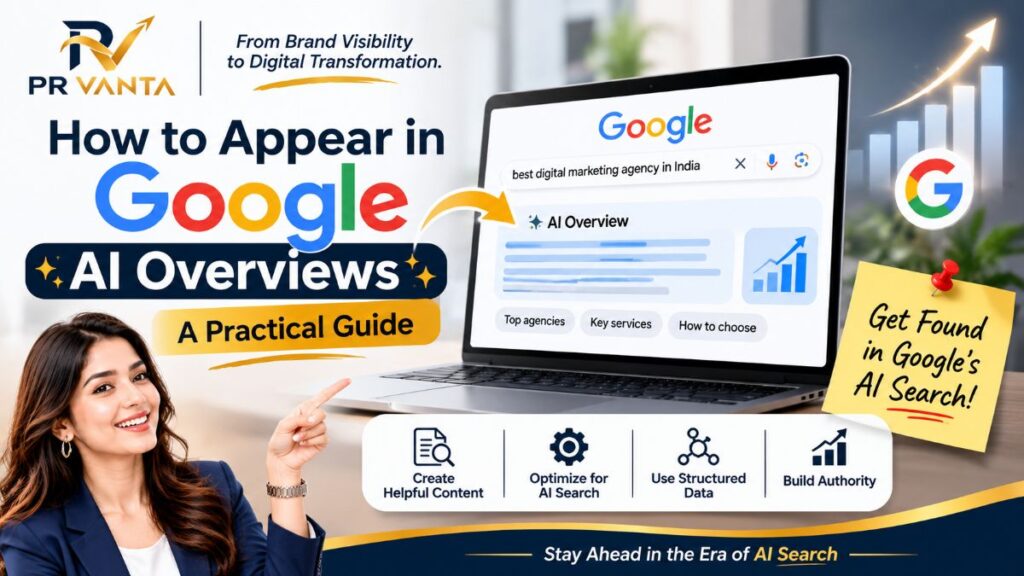
For many searches, Google now shows an AI-generated summary at the very top of the results, above the usual links. This is called an AI Overview. It answers the question directly and shows a few source links beside it. For businesses, those source links are prime space: they appear before everything else on the page.
This guide explains how AI Overviews work and the practical steps that make your pages more likely to be cited.
What are Google AI Overviews?
AI Overviews are short summaries written by Google’s Gemini models, shown for searches where Google thinks a quick overview is helpful. They appear for many informational and comparison questions, such as “how to choose a website developer” or “difference between GST and non-GST invoice”, and increasingly for local and commercial questions too.
Each overview links to the pages it used. Google also offers AI Mode, a more conversational search experience built on the same approach. Both draw on Google’s search index.
How does Google choose the sources?
Google has said that AI Overviews are built on its core search ranking and quality systems. In practice, that means the pages cited usually:
- Are indexed and eligible to appear in normal search results
- Directly and clearly answer the question, or one part of it
- Come from sites Google already considers helpful and trustworthy on the topic
- Are well structured, so a specific passage can be lifted and summarised
There is no special tag or markup that guarantees a citation. The way in is to be one of the most helpful, clear and trusted pages for the question.
Step 1: Find the questions that trigger AI Overviews in your niche
Search the questions your customers ask and note which ones show an AI Overview. Look at which sites are cited. Good places to find questions include Google’s “People also ask” box, your sales and support conversations, and Search Console queries that are phrased as questions.
Step 2: Answer the question in the first lines
Under a heading that matches the question, give a direct answer of two or three sentences, then expand. Google often lifts a concise passage, so make sure your clearest answer is easy to find and stands on its own.
Step 3: Structure content for easy extraction
- Use descriptive H2 and H3 headings phrased as questions or clear topics
- Use short paragraphs, numbered steps and bulleted lists
- Add simple comparison tables where useful
- Define terms clearly before going deeper
- Keep one main topic per page
Step 4: Show experience and trust
Google’s quality guidelines put weight on experience, expertise, authoritativeness and trust (often called E-E-A-T). Show real experience: original examples, your own process, photos or data from your work, clear author or company information, and up-to-date facts. Generic content rewritten from other sites rarely earns citations.
Is your brand visible in AI answers? We will check how ChatGPT, Google AI Overviews and other AI assistants describe your business, and share what to fix first. Get a free AI visibility audit →
Step 5: Strengthen technical SEO and structured data
- Make sure pages are indexed (check Search Console)
- Fix speed and mobile issues
- Use structured data such as Organization, LocalBusiness, Service, Product, Article and FAQPage where it genuinely fits
- Link related pages together so Google understands your topic coverage
Step 6: Build topical authority
Sites cited in AI Overviews usually cover a topic in depth, not with one isolated page. Create a cluster: a main service page supported by guides that answer the related questions, all linked together. Over time this signals that your site is a reliable source on that subject.
Step 7: Measure what you can
Search Console includes AI Overview appearances within normal search performance data, but does not report them separately. Track:
- Impressions and clicks for question-style queries
- Manual checks of key questions every month, noting whether you are cited
- Enquiries and conversions from organic search, not only traffic
Common mistakes
- Writing for the bot, not the reader: keyword-stuffed or vague content is unlikely to be chosen.
- Burying the answer: long introductions before the actual answer make extraction harder.
- Blocking Googlebot or key resources: if Google cannot read the page properly, it cannot cite it.
- Ignoring local signals: for local questions, an accurate Google Business Profile and reviews matter.
How PR Vanta Digital can help
Google AI Overviews optimization is part of our AI search optimization service. We find the questions that matter in your market, restructure and expand your pages, fix technical and schema issues, and track your citations month by month. Not sure where you stand? Start with a free AI visibility audit.
Frequently Asked Questions
Can I opt in to AI Overviews?
There is no opt-in. Pages are chosen from Google’s index. Being eligible for normal search and highly helpful for the question is what counts.
Do AI Overviews reduce clicks to websites?
For some simple questions, users get the answer without clicking. But being cited builds visibility and trust, and users with more complex needs still click through to cited sources.
Is FAQ schema required to appear?
No. Structured data helps Google understand your page, but it is not a requirement for being cited. Clear, helpful content matters most.
How is this different from ChatGPT SEO?
The foundations are the same: clarity, structure, trust and mentions. The difference is that AI Overviews draw on Google’s own index and ranking systems, so strong Google SEO is especially important.
Are you a creator? Join the PR Vanta creator network to get brand collaborations, product seeding and event invites. Register as a creator →
Request your free AI visibility audit
Share a few details and we will reply within one working day with next steps and a written quote. No obligation.